

Description
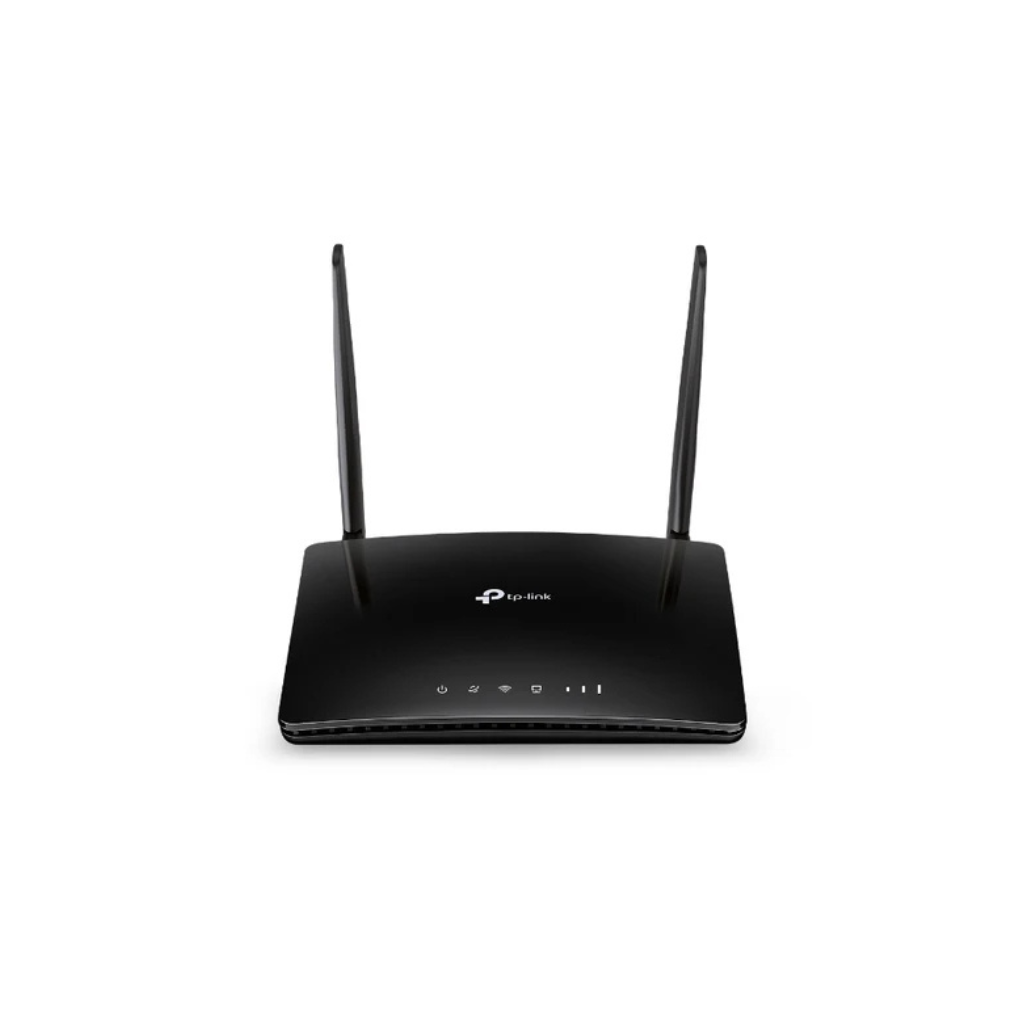
Tp-link Archer MR202 AC750 Wireless Dual Band 4G LTE Router
Unlock high-speed internet anywhere with the Tp-link Archer MR202 AC750 Wireless Dual Band 4G LTE Router. Designed for home offices, vacation cabins, and temporary work sites, this versatile desktop router transforms 4G LTE cellular signals into reliable dual-band Wi-Fi speeds reaching up to 750 Mbps. Simply insert a Nano SIM card to share rapid, uninterrupted broadband access across multiple connected endpoints without complex configuration.
Compact Desktop Design & External Antennas
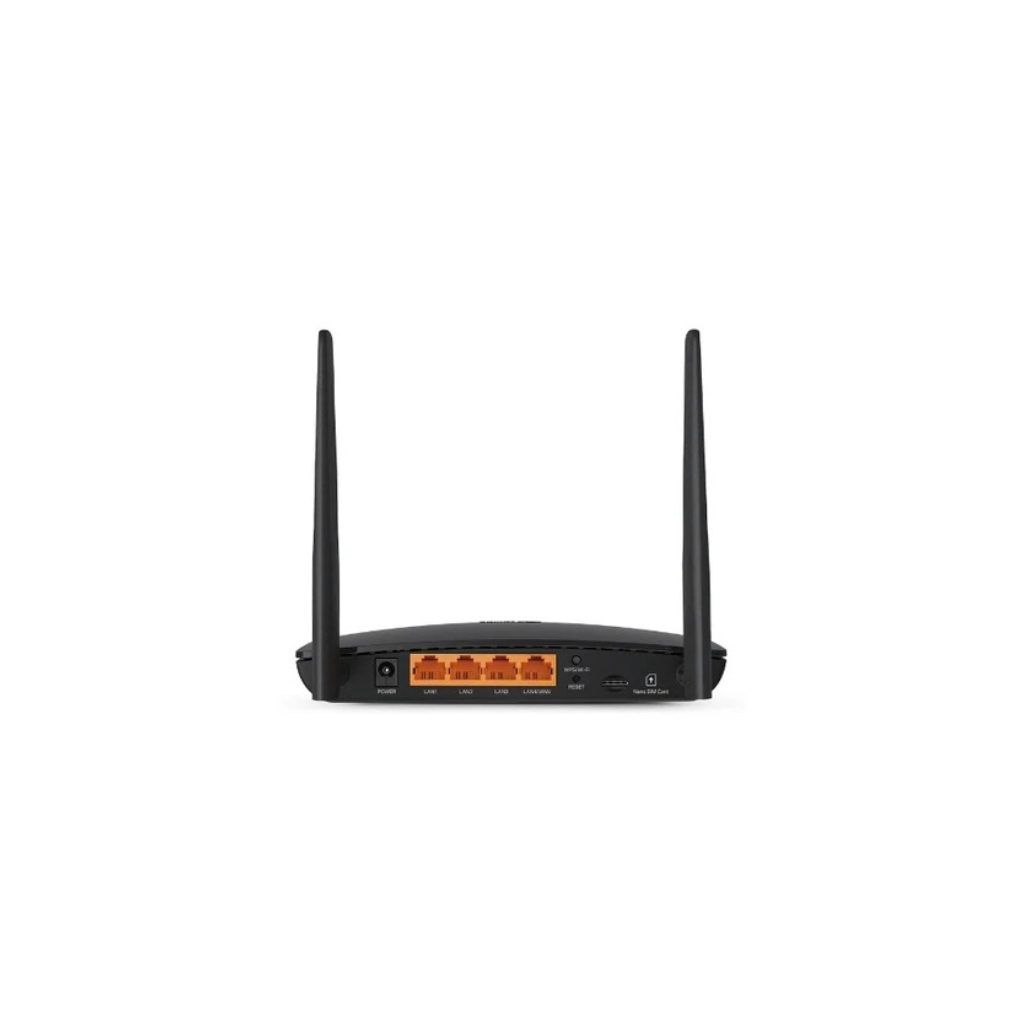
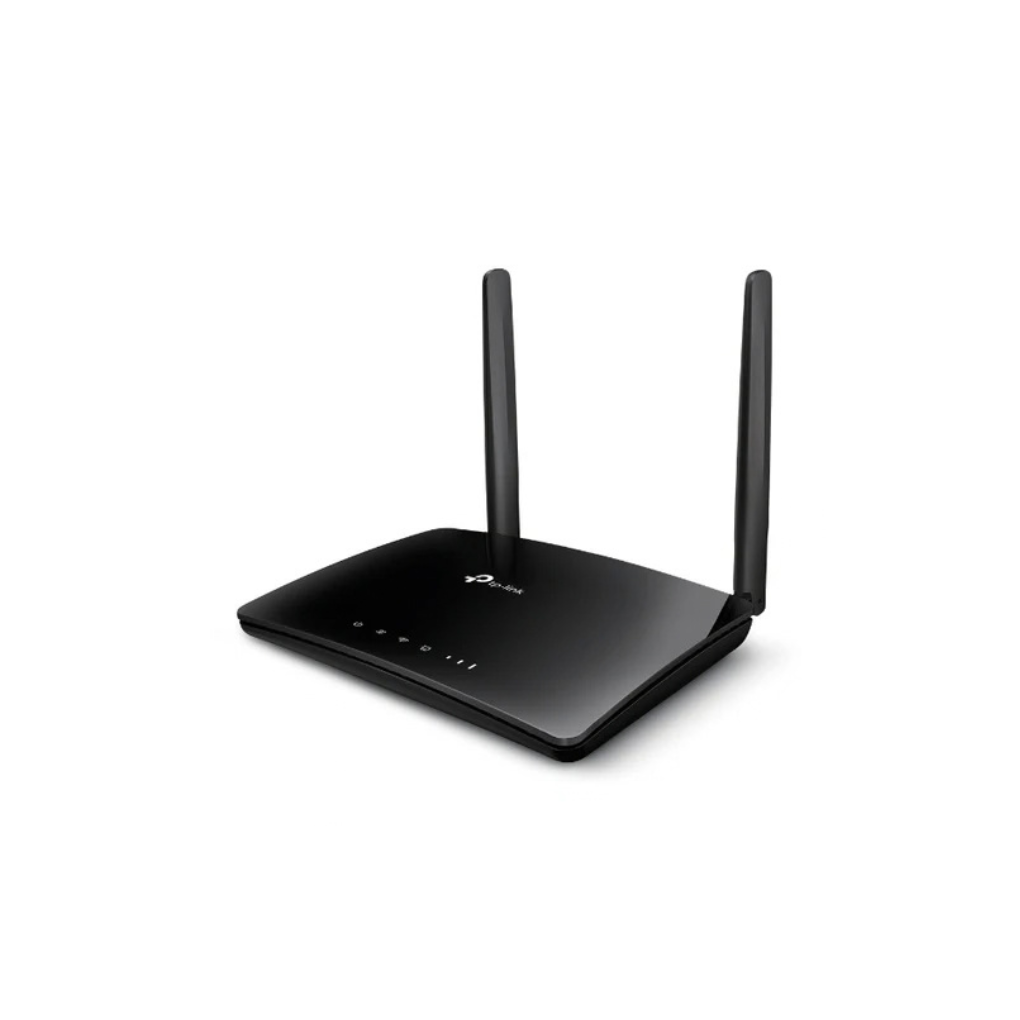
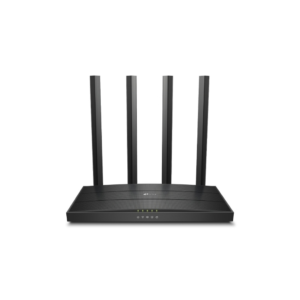
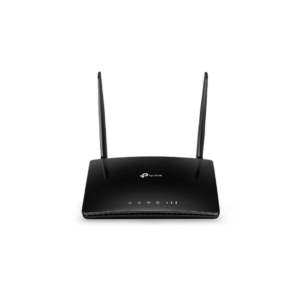
Featuring a sleek matte-black casing measuring $174 \times 124.5 \times 33.5\text{ mm}$, the Tp-link Archer MR202 AC750 Wireless Dual Band 4G LTE Router combines modern aesthetics with high physical durability. Rear SMA-F connectors house two detachable external 4G LTE antennas, allowing users to position them for optimal cellular tower signal alignment or swap them for external high-gain antenna extension cables when needed.
Reliable Dual-Band AC750 Wi-Fi Performance
Combining 802.11ac Wi-Fi architecture with internal cellular processing, the Archer MR202 broadcasts simultaneous dual-band wireless networks. The 5 GHz band supplies 433 Mbps for lag-free 4K video streaming, VoIP calls, and online gaming, while the 2.4 GHz band provides 300 Mbps for routine tasks like email management, smart home accessories, and general web browsing.
Instant Plug-and-Play Setup with WAN Failover
Setting up high-speed wireless connectivity requires zero manual network driver installation. Simply insert a Nano SIM card into the built-in slot and power up the unit for instant internet sharing. For critical connectivity needs, its auto-sensing LAN/WAN port enables traditional cable or fiber modem backup, automatically switching to 4G LTE data should fixed broadband service drop.
Simple Management via TP-Link Tether App
Managing your network preferences is fast and straightforward using the free TP-Link Tether application for iOS and Android devices. Through a clean mobile interface, administrators can establish parental control profiles, set data usage thresholds to prevent carrier overages, monitor active client endpoints, configure guest Wi-Fi access, and perform scheduled system reboots directly from their smartphone screen.
Reviews
There are no reviews yet.