

Description
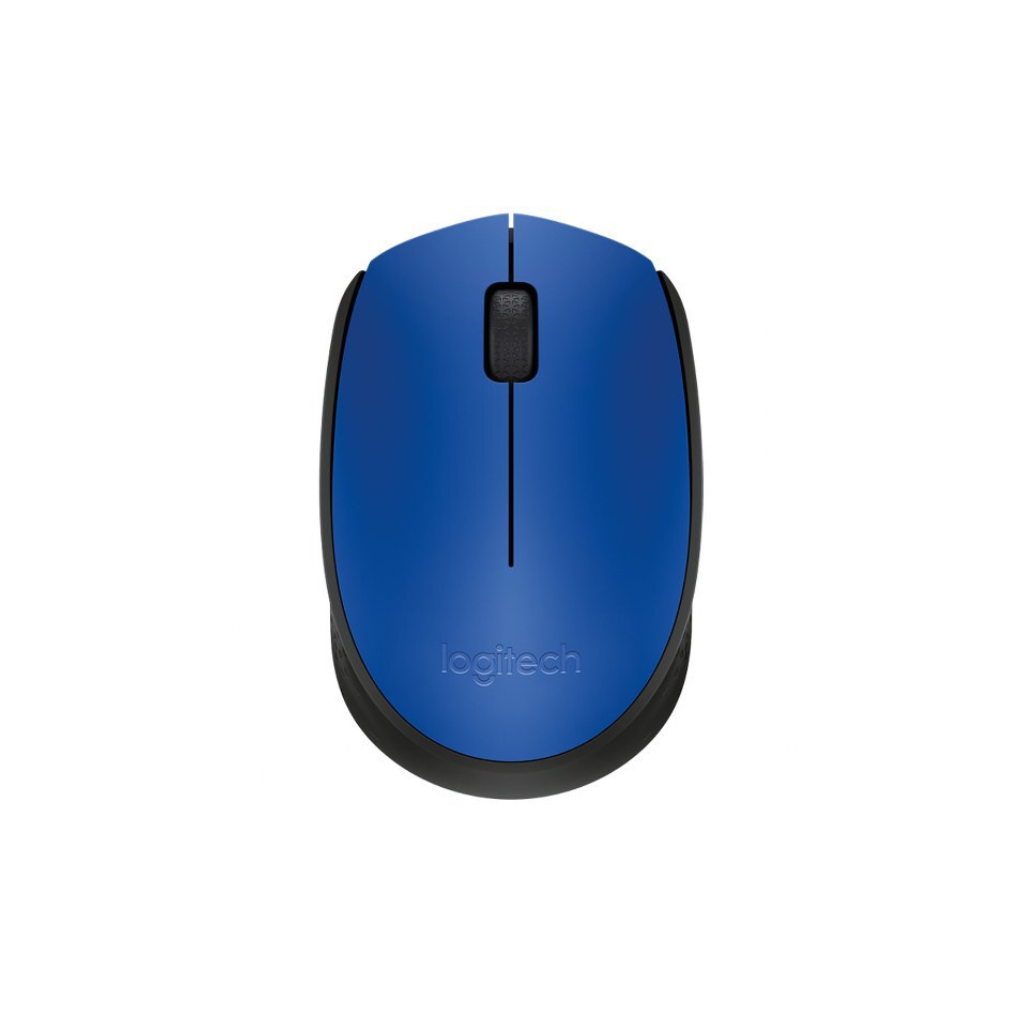
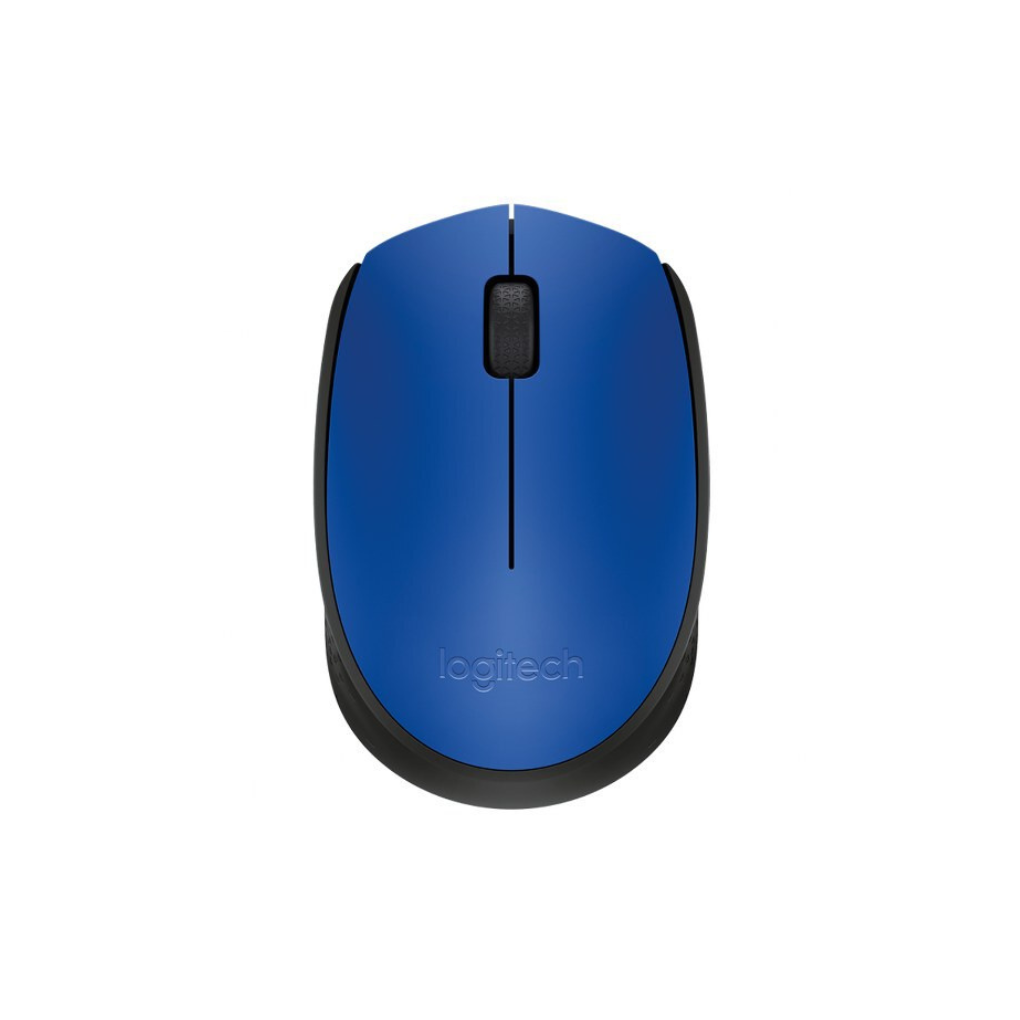
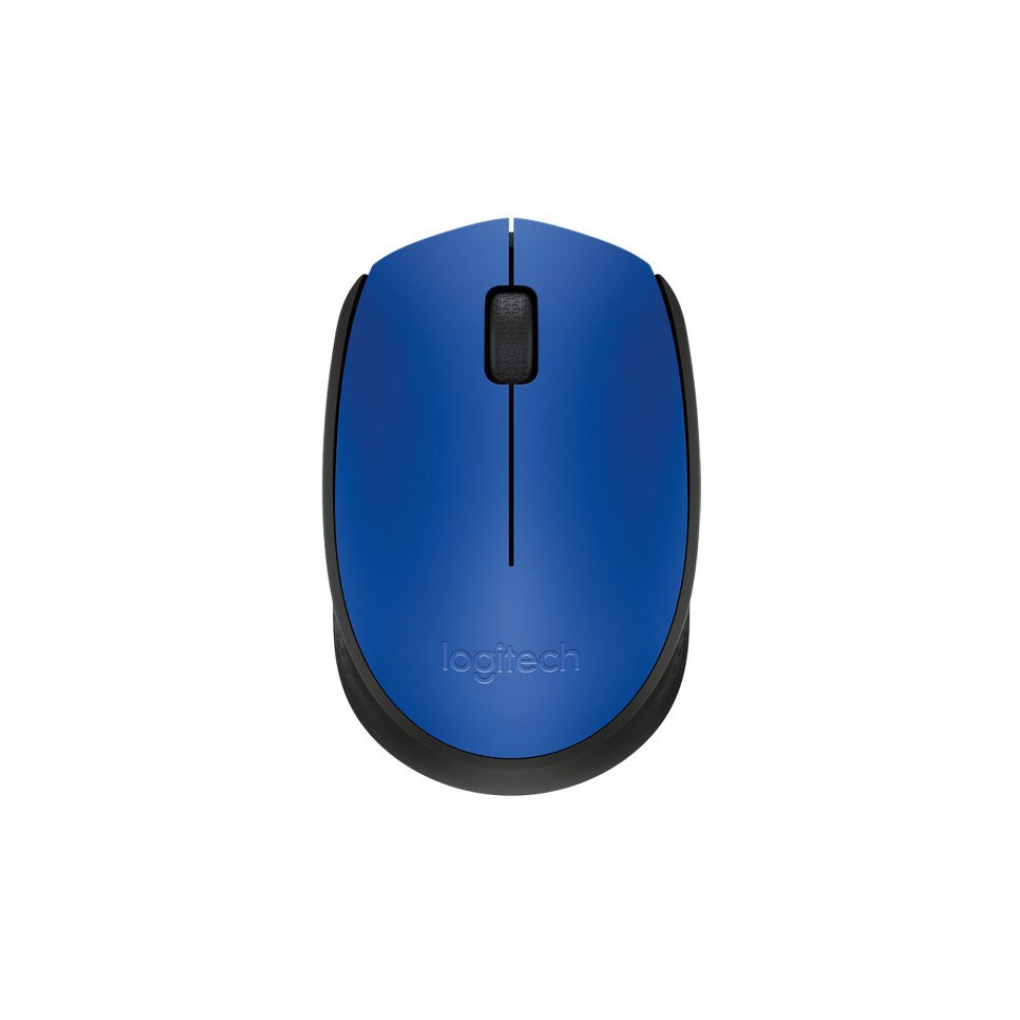
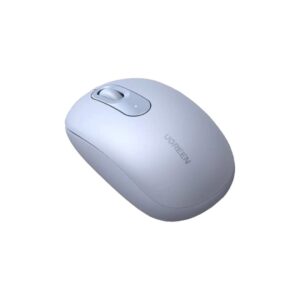
Logitech Wireless Mouse M171 Blue
Add a vibrant pop of color to your workspace with the reliable Logitech Wireless Mouse M171 Blue. Engineered for students, remote workers, and mobile professionals, this compact wireless mouse combines stylish aesthetics with dependable 2.4 GHz wireless freedom. Delivering smooth optical tracking, an ambidextrous ergonomic shape, and up to a 12-month battery life, it provides an affordable, high-performing alternative to restrictive laptop touchpads and tangled desk cables.
Reliable 2.4 GHz Wireless Performance
The Logitech Wireless Mouse M171 Blue provides a dependable wireless connection that eliminates messy cable clutter from your desk. Operating on a robust 2.4 GHz signal, it ensures continuous responsiveness up to 10 meters away with virtually no lag or dropouts. Enjoy complete freedom of movement whether working at your main office workstation, studying, or presenting in meeting rooms.
Precise Optical Navigation & Control
Navigate documents, spreadsheets, and web pages with smooth accuracy. Equipped with a 1000 DPI optical sensor, the mouse delivers precise, fluid cursor tracking across standard desk surfaces without requiring a mousepad. Upgrading from a standard laptop trackpad to this optical mouse significantly increases your daily productivity, speed, and navigation accuracy during complex digital tasks.
Vibrant Ambidextrous Ergonomic Design
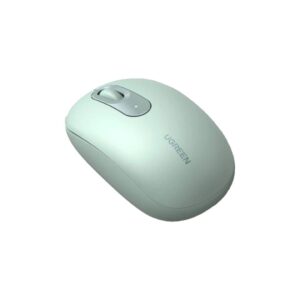
Featuring a striking blue top casing paired with dark textured side grips, this mouse combines visual flair with ergonomic comfort. Its compact ambidextrous profile fits naturally into either hand, making it equally comfortable for left- and right-handed users. The lightweight, portable build slips effortlessly into any laptop sleeve or backpack, making it an excellent travel companion.
Extended 12-Month Battery Runtime
Work with complete peace of mind knowing your mouse won’t die unexpectedly. Thanks to power-efficient internal engineering, the M171 runs for up to 12 months on a single AA battery. An automatic sleep mode conserves power when the device is idle, while a dedicated physical power switch on the bottom allows you to turn it off completely during transport.
Plug-and-Play Universal Setup
Setting up your workstation takes just a few seconds without complicated software downloads or pairing menus. Simply plug the compact USB receiver into an available USB-A port on your device, and the mouse is instantly ready for use. It offers broad cross-platform compatibility, functioning effortlessly across laptops and desktops running Windows, macOS, ChromeOS, or Linux.


Reviews
There are no reviews yet.