


Description
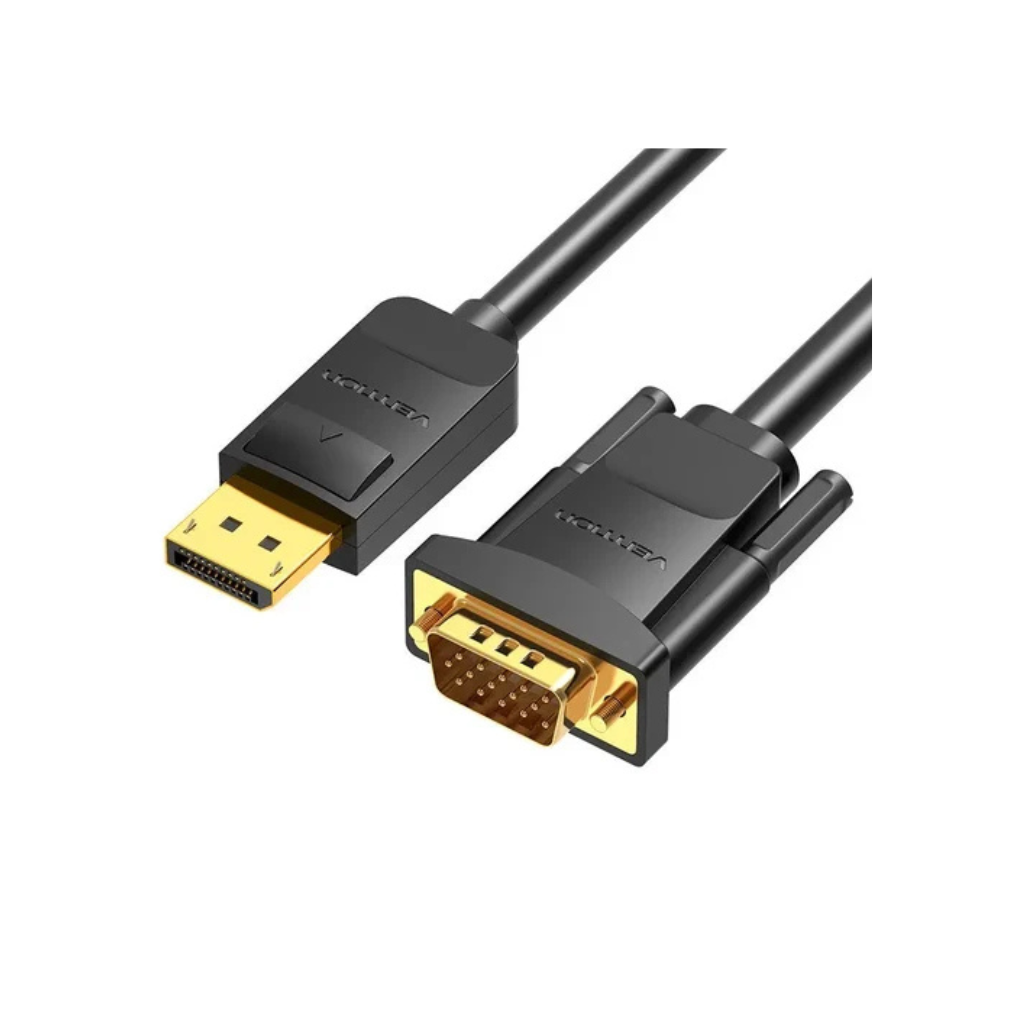
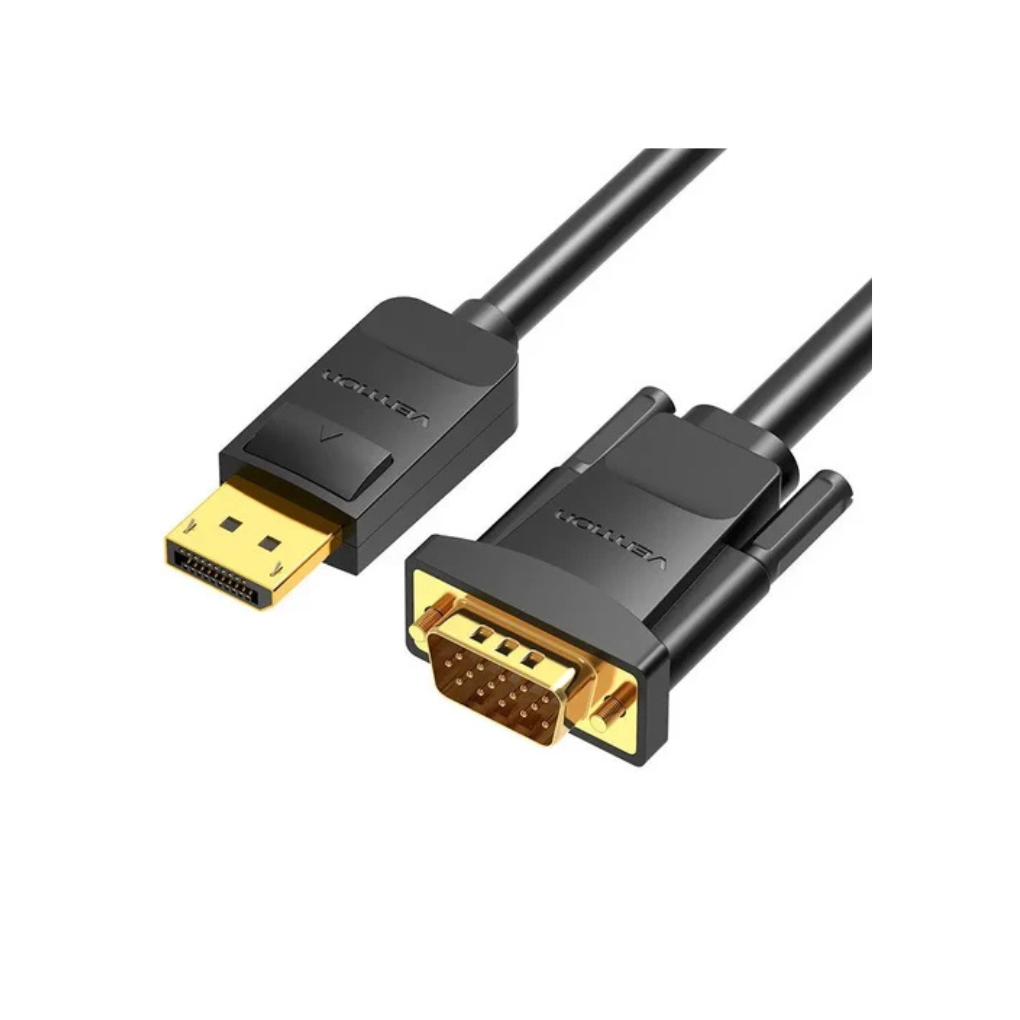
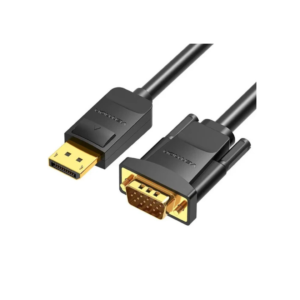
vention DP to VGA cable 1.5M Black
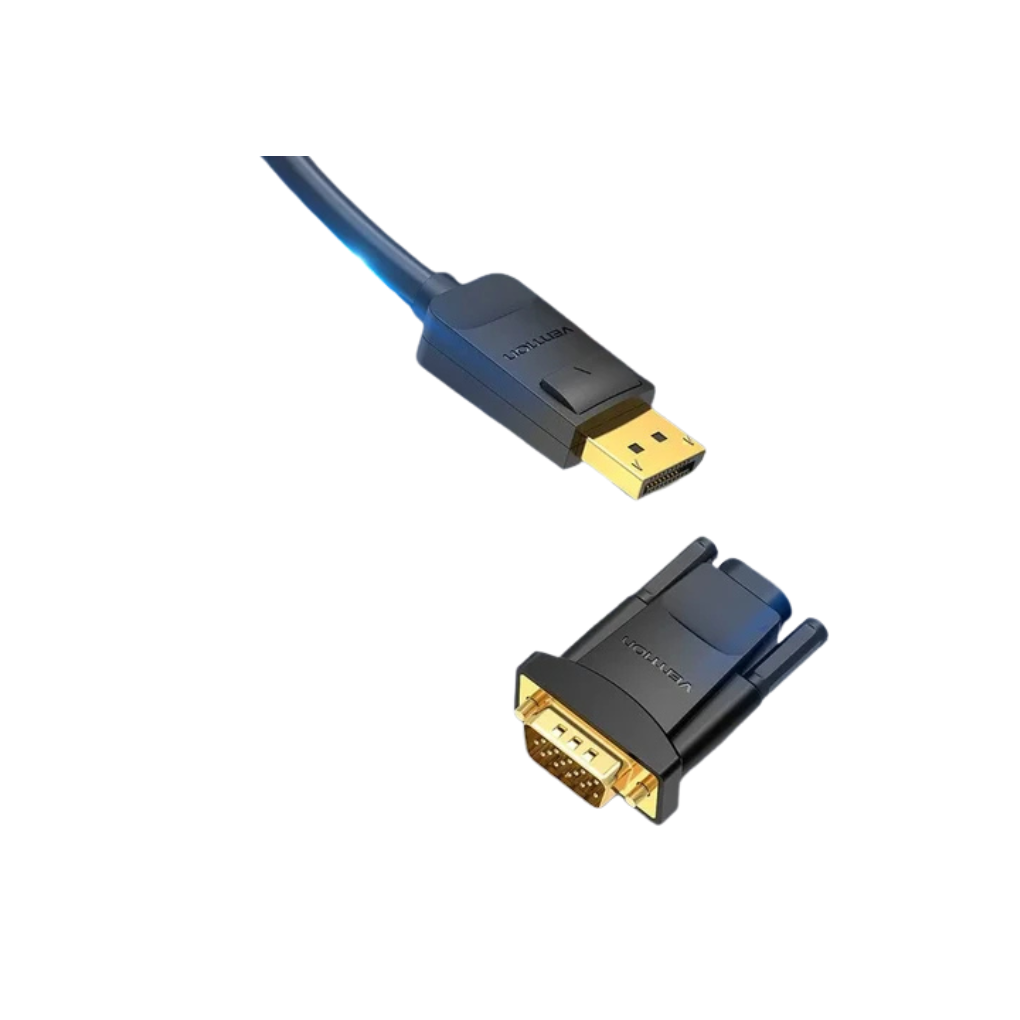
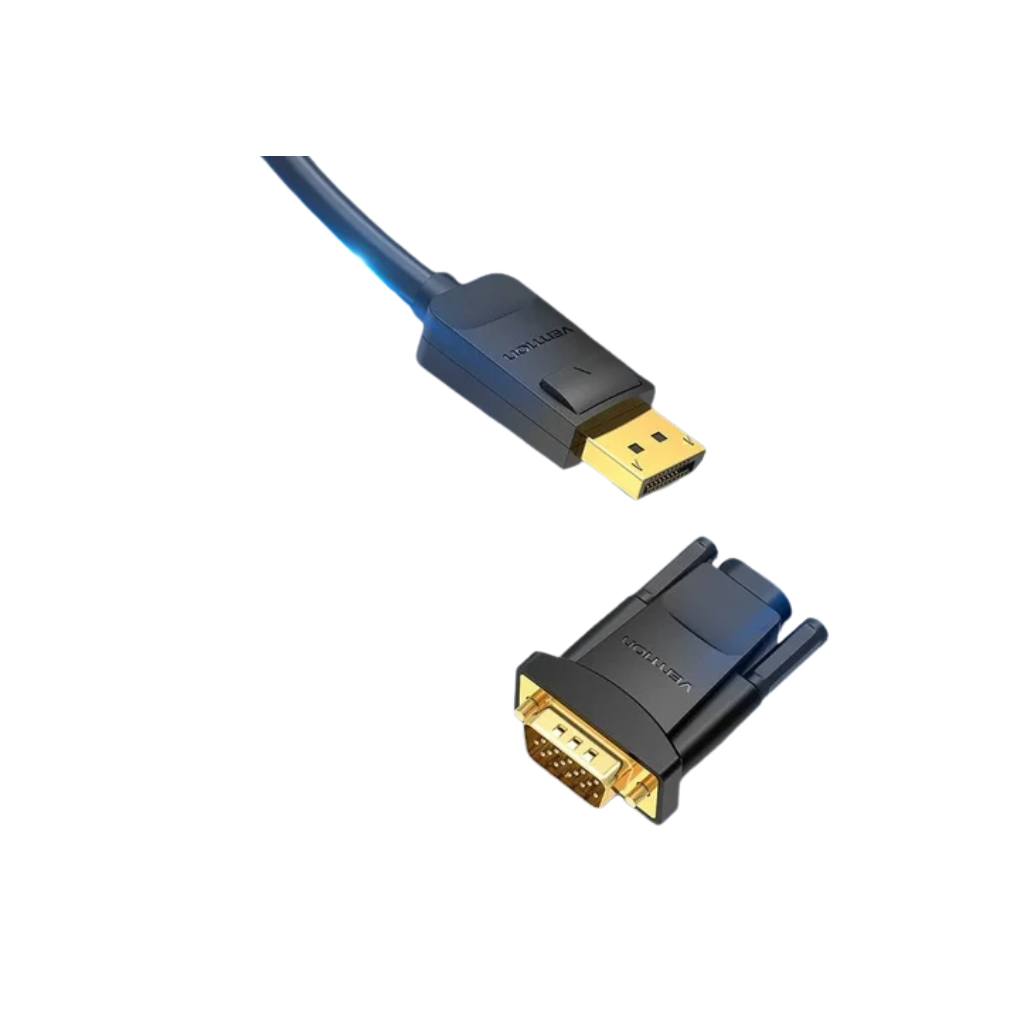
Connect your DisplayPort-equipped desktop PC or workstation directly to analog monitors and projectors with the Vention DP to VGA Cable 1.5M Black. Ideal for corporate IT environments, classrooms, home offices, and dual-monitor setups, this high-performance unidirectional conversion cable eliminates the need for separate dongles. Delivering full 1080p high-definition video output, secure latching DisplayPort connectors, and robust multi-layer shielding, it offers a reliable bridge between modern graphics cards and classic VGA display screens.
Ergonomic Design & Secure Latching Build
Constructed with a flexible PVC outer jacket, the Vention DP to VGA Cable 1.5M Black provides durable physical protection against daily wear and tight cable bends. The DisplayPort connector features a physical mechanical latch release button that locks securely into host graphics card ports, preventing accidental loose connections or sudden video loss during movement or cleaning around office desks.
Full HD 1080p Visual Clarity
Delivering clear visual performance, this adapter cable converts digital DisplayPort signals into stable analog VGA output supporting resolutions up to $1080\text{p}$ ($1920 \times 1080$ @ $60\text{Hz}$). An internal conversion chip renders sharp text, accurate color reproduction, and zero screen tearing, making it ideal for business presentations, spreadsheet analysis, and daily desktop multitasking on legacy monitors.
Premium Shielding & Signal Integrity
To prevent signal degradation over the 1.5-meter line, the cable incorporates high-purity tinned copper conductors shielded by a dual-layer aluminum foil and braided grid system. This multi-layer shielding protects against electromagnetic (EMI) and radio-frequency (RFI) interference, while gold-plated contacts ensure low electrical resistance and long-lasting resistance to surface oxidation.
Plug-and-Play Simplicity & Workstation Versatility
Designed for effortless setup, this unidirectional DP to VGA cable operates without requiring external power supplies, driver downloads, or software configuration. Simply plug the DisplayPort connector into your PC graphics card and tighten the VGA thumbscrews into your monitor or projector to immediately extend your desktop workspace or mirror your primary display for presentations.



Reviews
There are no reviews yet.