

Description
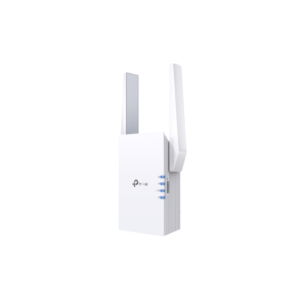
TP-Link AX1800 Wi-Fi Range Extender
Eliminate frustrating dead zones in your home or office with the Tp-Link AX1800 Wi-Fi Range Extender. Powered by advanced Wi-Fi 6 technology, this wall-plug booster expands dual-band coverage across difficult corners, delivering ultra-fast wireless speeds up to 1800 Mbps. Perfect for bandwidth-intensive households, remote workers, and gamers, it ensures smooth 4K streaming, lag-free online gaming, and seamless roaming without replacing your current router.
Compact Wall-Plug Design & Smart Placement
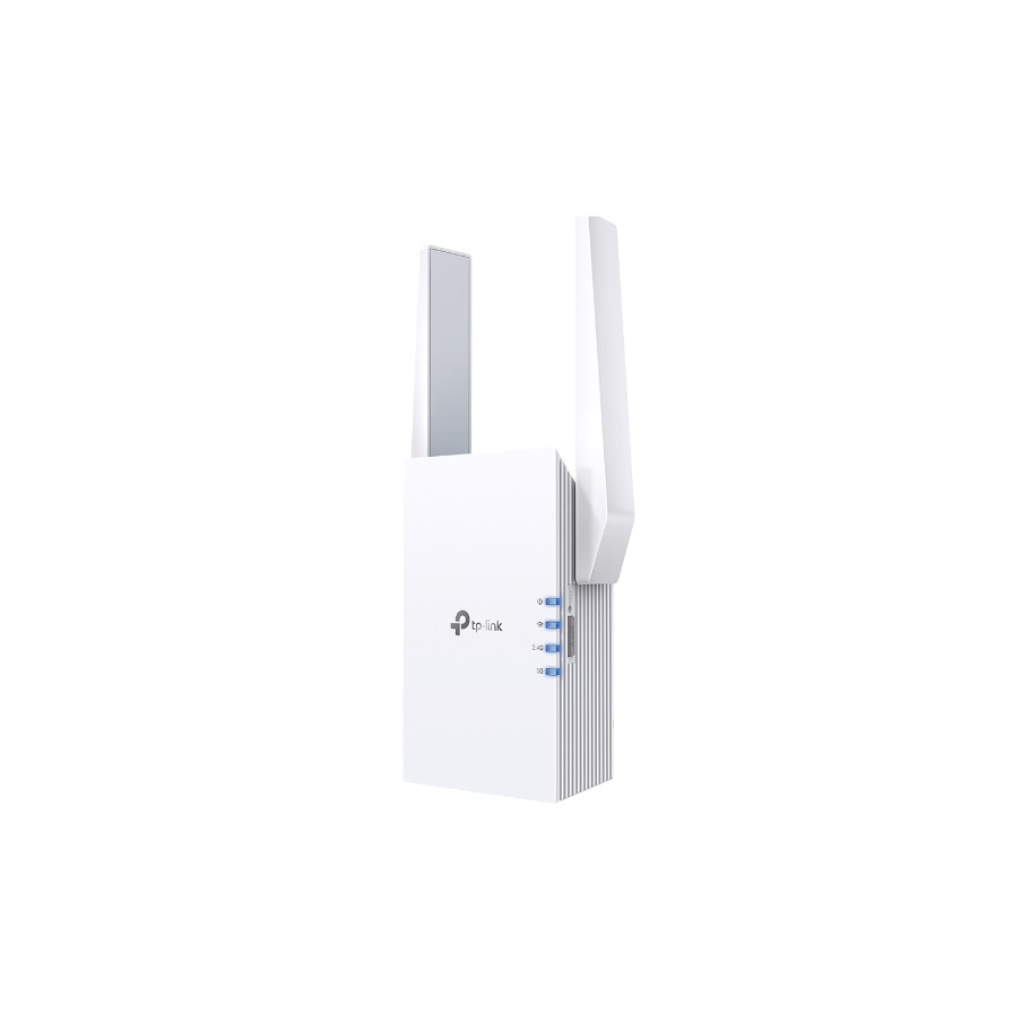
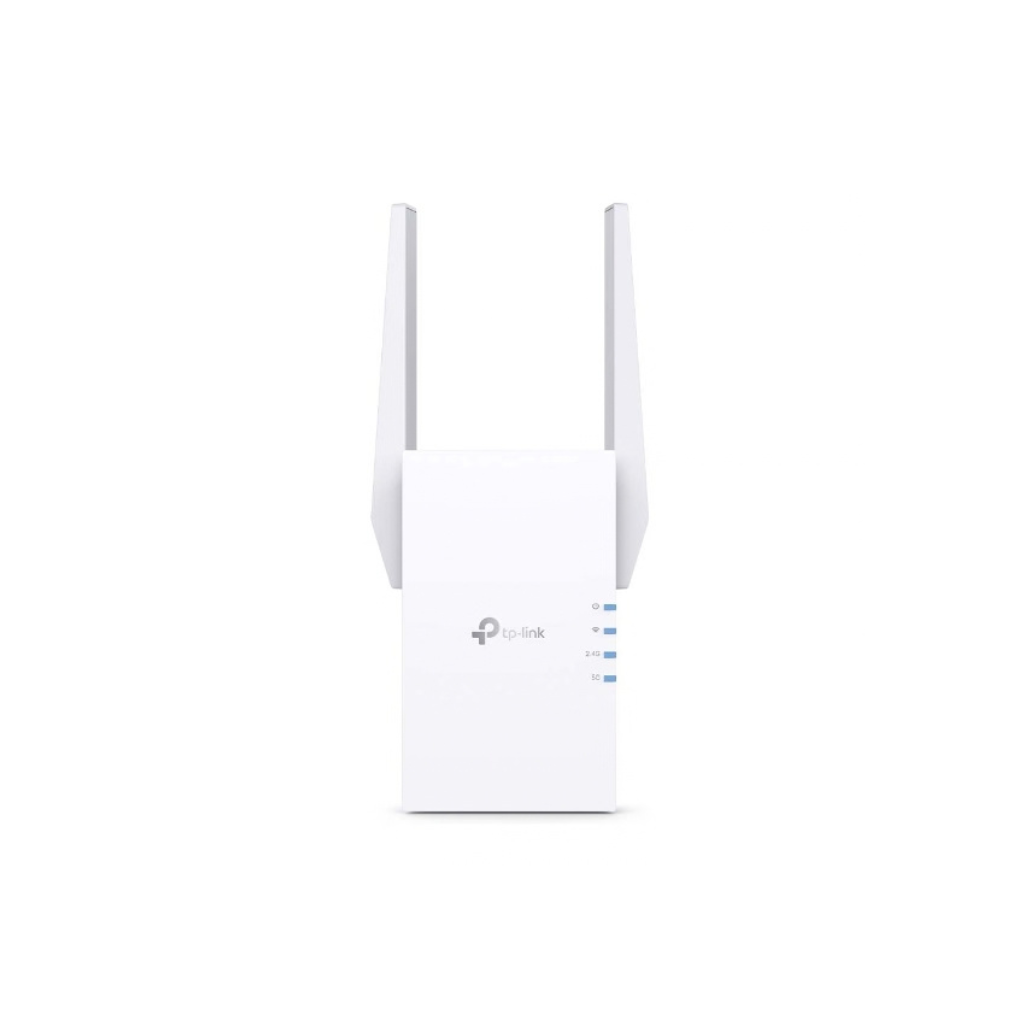
Featuring an elegant, low-profile white housing measuring $74 \times 46 \times 124.8\text{ mm}$, the Tp-Link AX1800 Wi-Fi Range Extender plugs directly into any standard wall outlet. Its two external adjustable antennas allow precise signal targeting. The front panel includes a smart signal indicator that changes color to help users pinpoint the optimal wall outlet location for peak wireless coverage.
Next-Gen Wi-Fi 6 Performance & Speeds
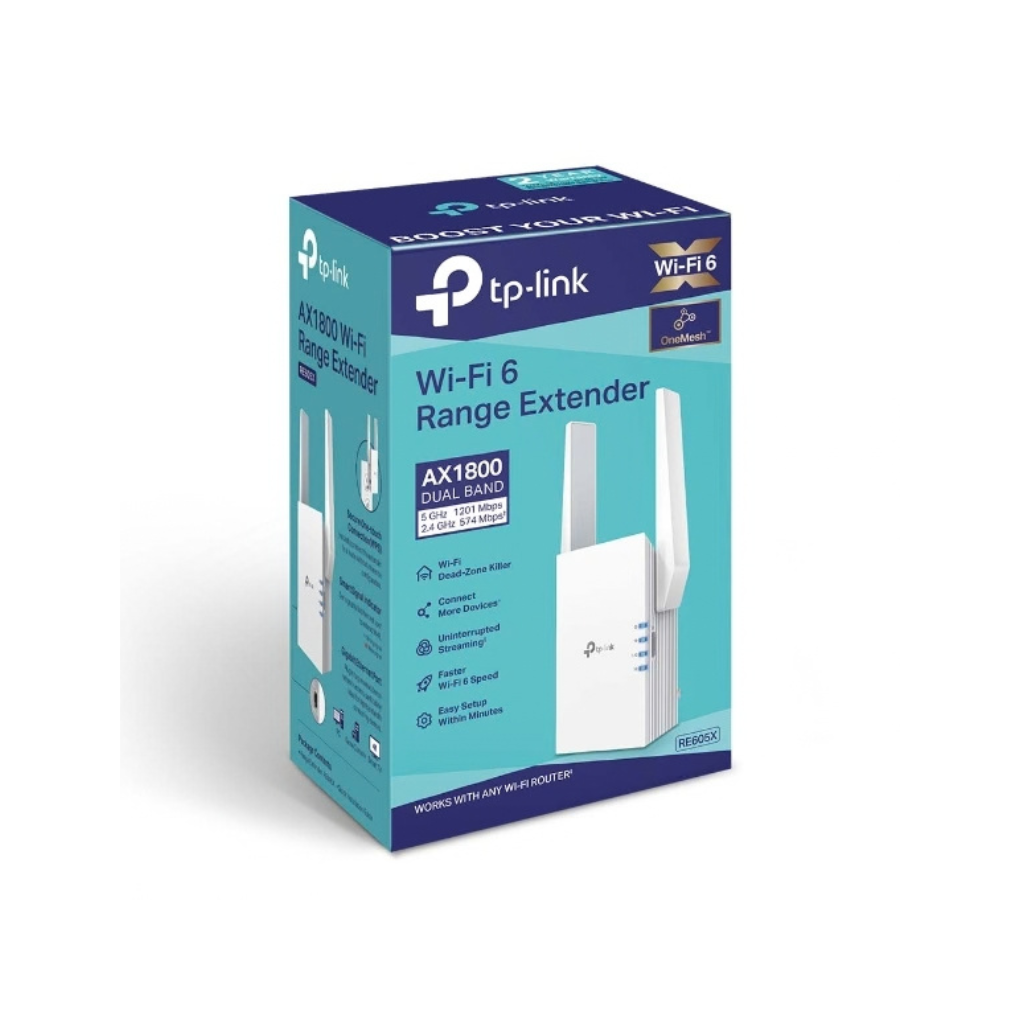
Equipped with 802.11ax Wi-Fi 6 technology, this extender generates combined dual-band speeds reaching $1800\text{ Mbps}$. The $5\text{ GHz}$ band delivers $1201\text{ Mbps}$ for heavy 4K streaming and low-latency gaming, while the $2.4\text{ GHz}$ band offers $574\text{ Mbps}$ for widespread coverage across Smart Home hardware, ensuring high network efficiency for over 30 connected devices simultaneously.
Seamless TP-Link OneMesh Network Integration
Tired of switching Wi-Fi names as you walk through your home? The RE605X pairs with any TP-Link OneMesh router to form a single, seamless mesh network under one Wi-Fi network name. Mobile devices switch automatically to the fastest signal source as you move from room to room, eliminating dropped video calls, buffering spinners, and manual connection switches.
Built-in Gigabit Ethernet Port & AP Mode
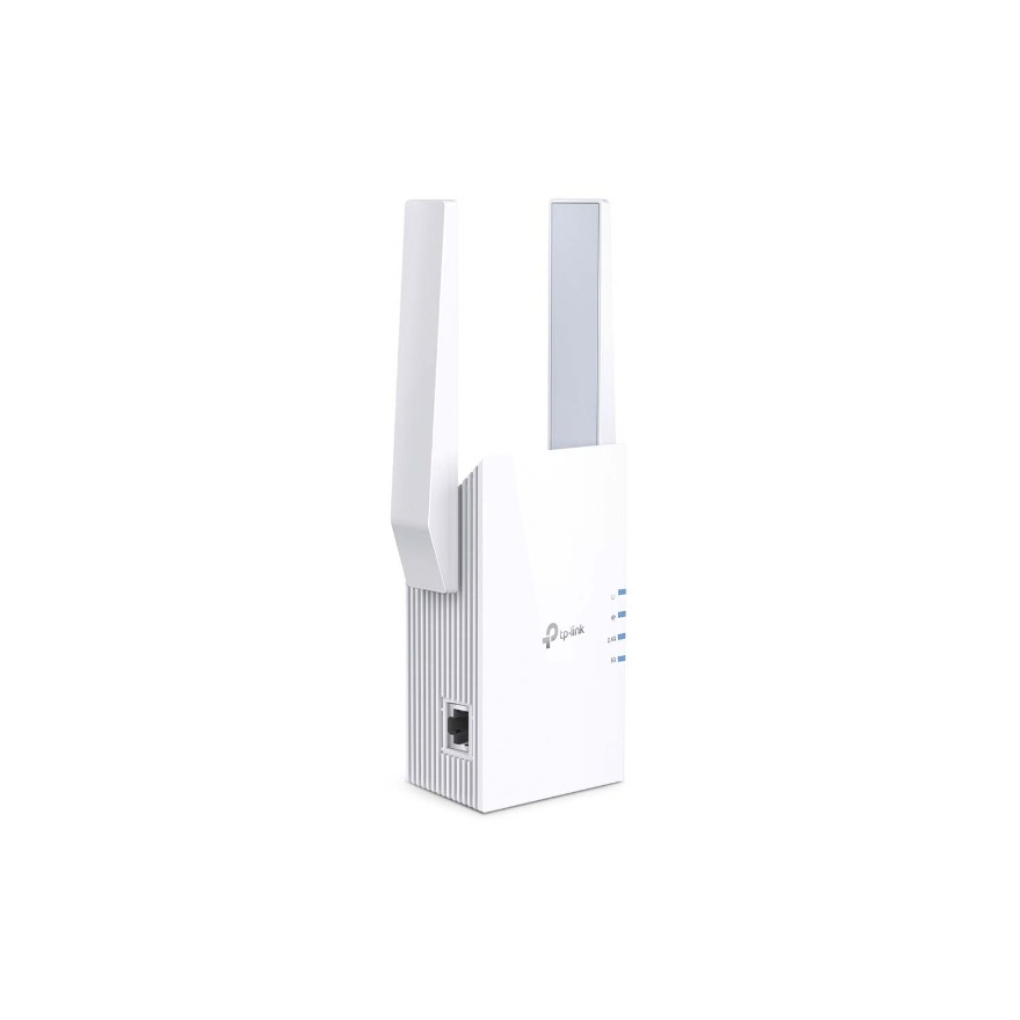
Beyond wireless repetition, this device features a high-speed Gigabit Ethernet port to bridge wired devices like gaming consoles, smart TVs, and desktop computers directly to the network. Alternatively, switching to Access Point mode allows users to transform an existing wired Ethernet socket into a high-capacity Wi-Fi 6 dual-band hot spot in hotel rooms or dorms.
Simple Tether App Setup & Management
Setting up the extender takes just minutes via the intuitive TP-Link Tether App for iOS and Android devices. Network administrators can easily configure wireless settings, manage connected devices, control LED indicator brightness, and schedule operating hours directly from their smartphones. WPA3 security protocols safeguard your network against unauthorized intrusions and cyber threats effectively.


Reviews
There are no reviews yet.