

Description
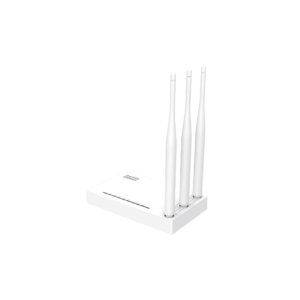
Netis WF2409E N300 wireless router
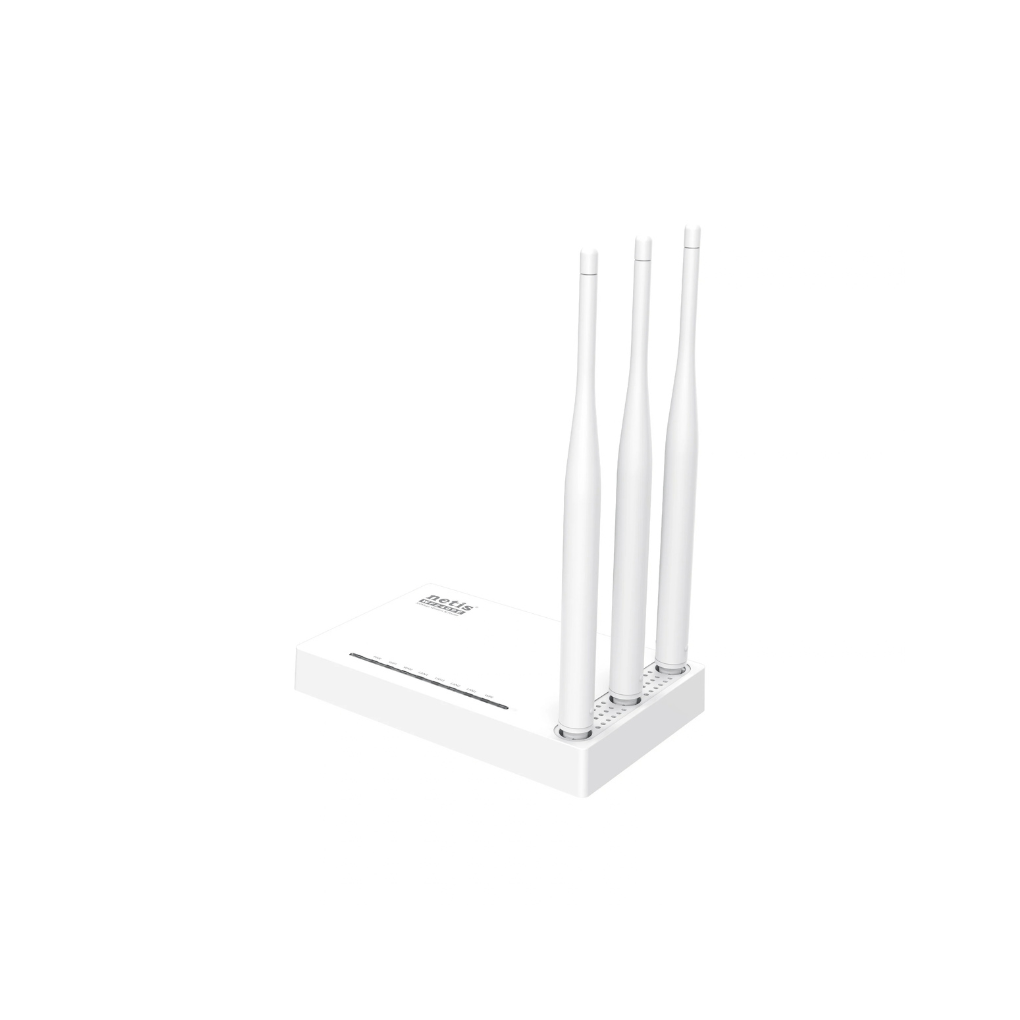
Upgrade your daily internet experience with the Netis WF2409E N300 wireless router. Tailored for small to medium-sized homes, apartments, remote workers, and budget-conscious offices, this versatile 2.4 GHz router delivers stable Wi-Fi speeds of up to 300 Mbps. Equipped with three 5dBi high-gain antennas and multi-operating modes, it guarantees reliable wall-penetrating coverage and smooth connectivity for web browsing, video calling, and media streaming.
Design & Triple Antenna Architecture
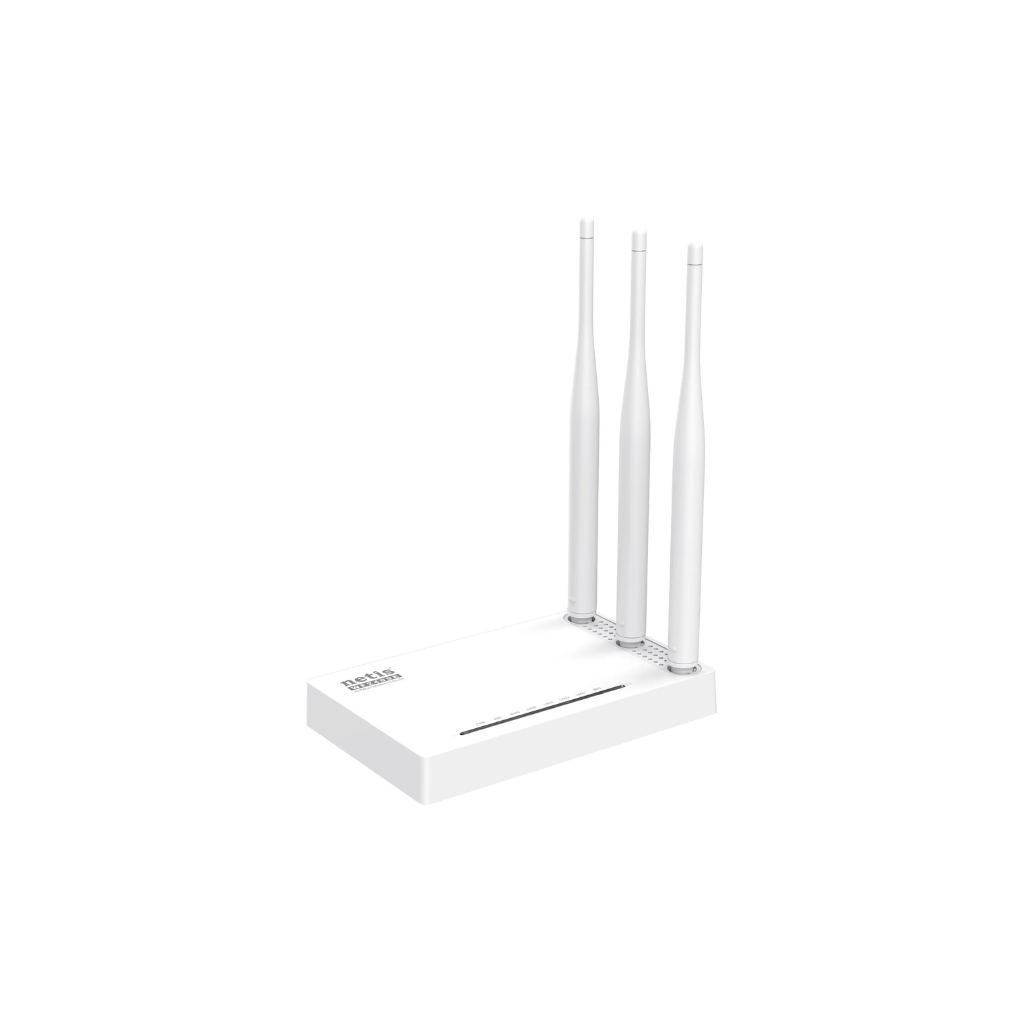
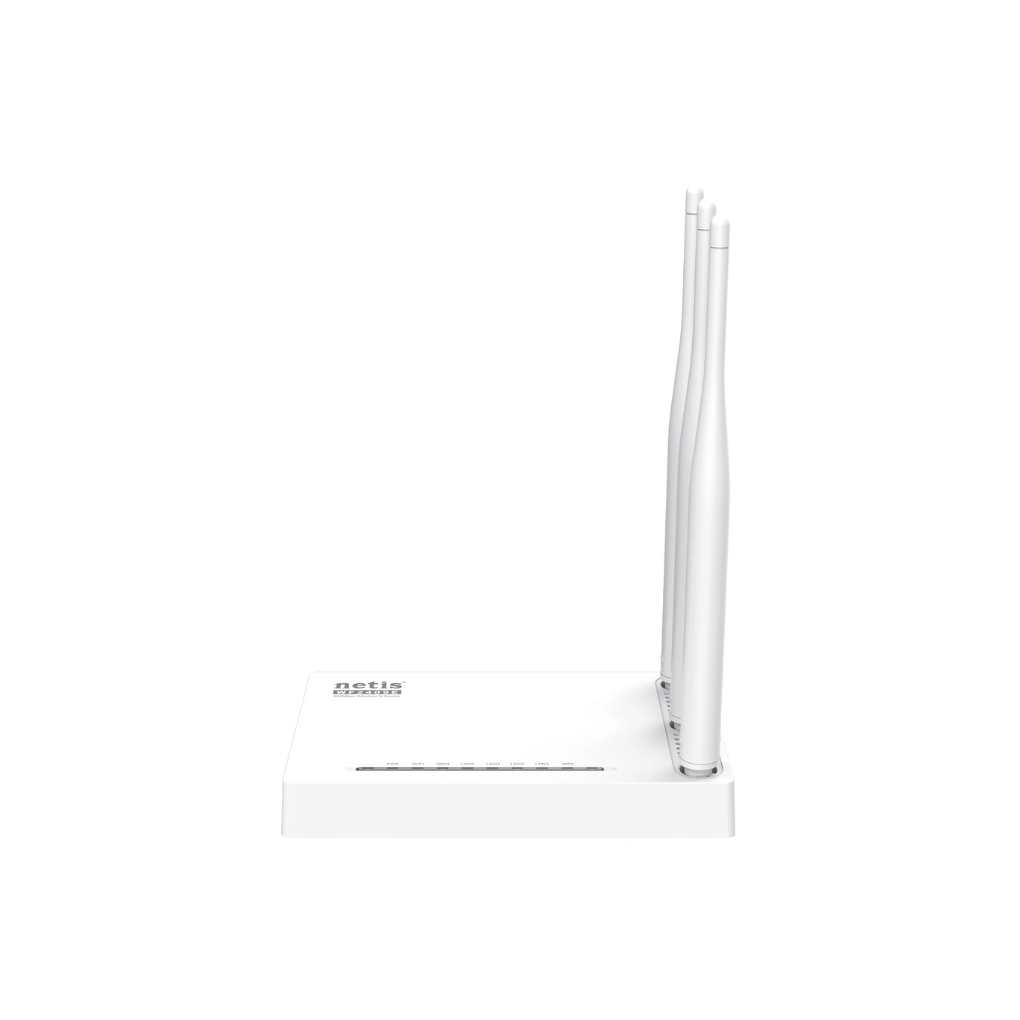
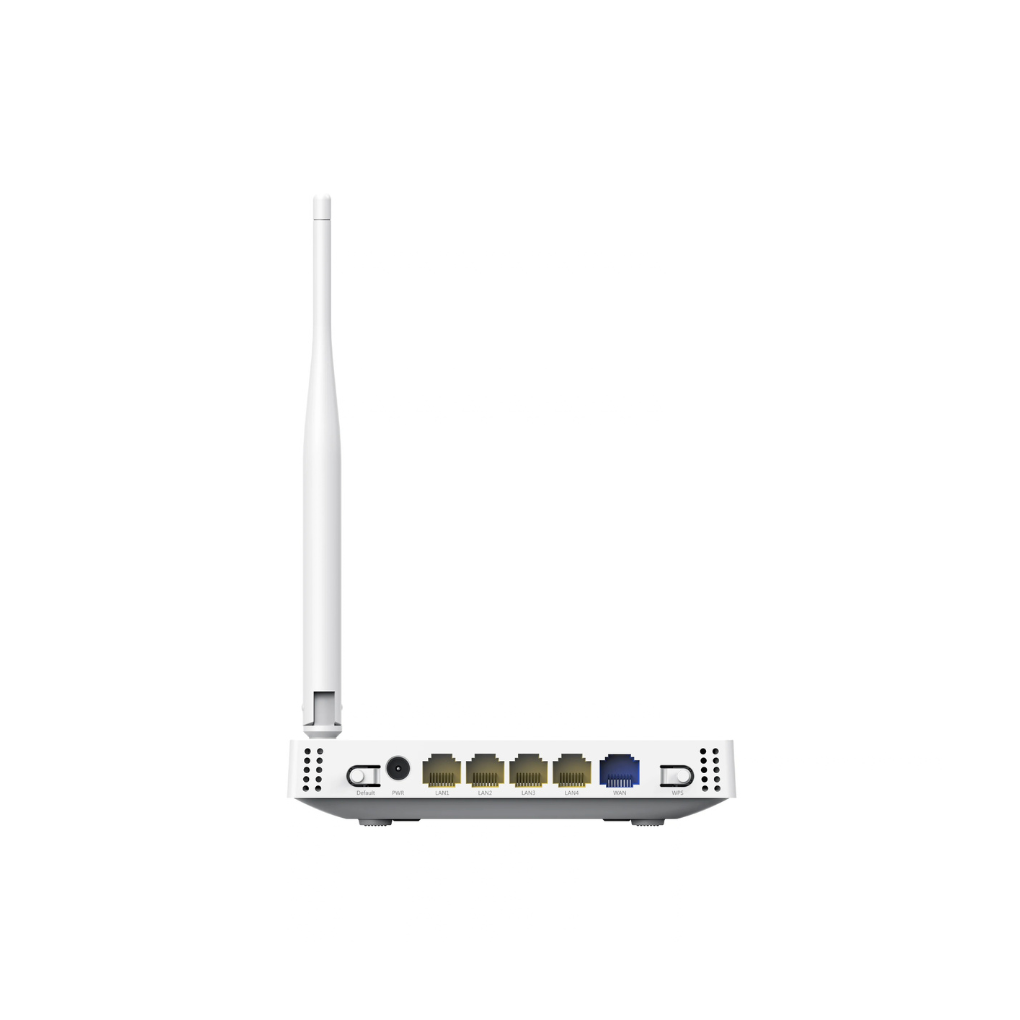
The Netis WF2409E incorporates a lightweight, durable housing optimized for desktop placement or wall mounting. It features three external $5\text{dBi}$ high-gain omnidirectional antennas that significantly expand signal reach across obstacles and walls. Clear LED diagnostic lights across the front panel provide real-time updates for power status, active wireless broadcast, WAN uplink, and individual LAN ports.
N300 High-Speed Wireless Performance
Powered by IEEE 802.11n wireless technology, the Netis WF2409E delivers data transfer speeds up to $300\text{ Mbps}$ on the $2.4\text{ GHz}$ frequency band. This speed capacity smoothly accommodates essential online activities, including standard web browsing, remote work video calls, HD video playback, and fast file downloads across multiple connected smartphones and laptops.
Flexible Operating Modes & WISP Access
Beyond functioning as a standard wireless router, the Netis WF2409E adapts to various networking scenarios. It supports Repeater, AP, Client, and WISP (Wireless Internet Service Provider) modes. In WISP mode, the router connects wirelessly to an outdoor ISP provider network while simultaneously broadcasting a local Wi-Fi network for indoor devices.
Advanced Network Management & Guest Security
Security and control are built into the Netis WF2409E software suite. Features like Multi-SSID enable creation of up to three isolated guest networks to protect primary credentials. Integrated IP/MAC filtering, domain blocking, and IP-based Quality of Service (QoS) allow network administrators to prioritize bandwidth and manage access rules effortlessly.

Reviews
There are no reviews yet.