

Description
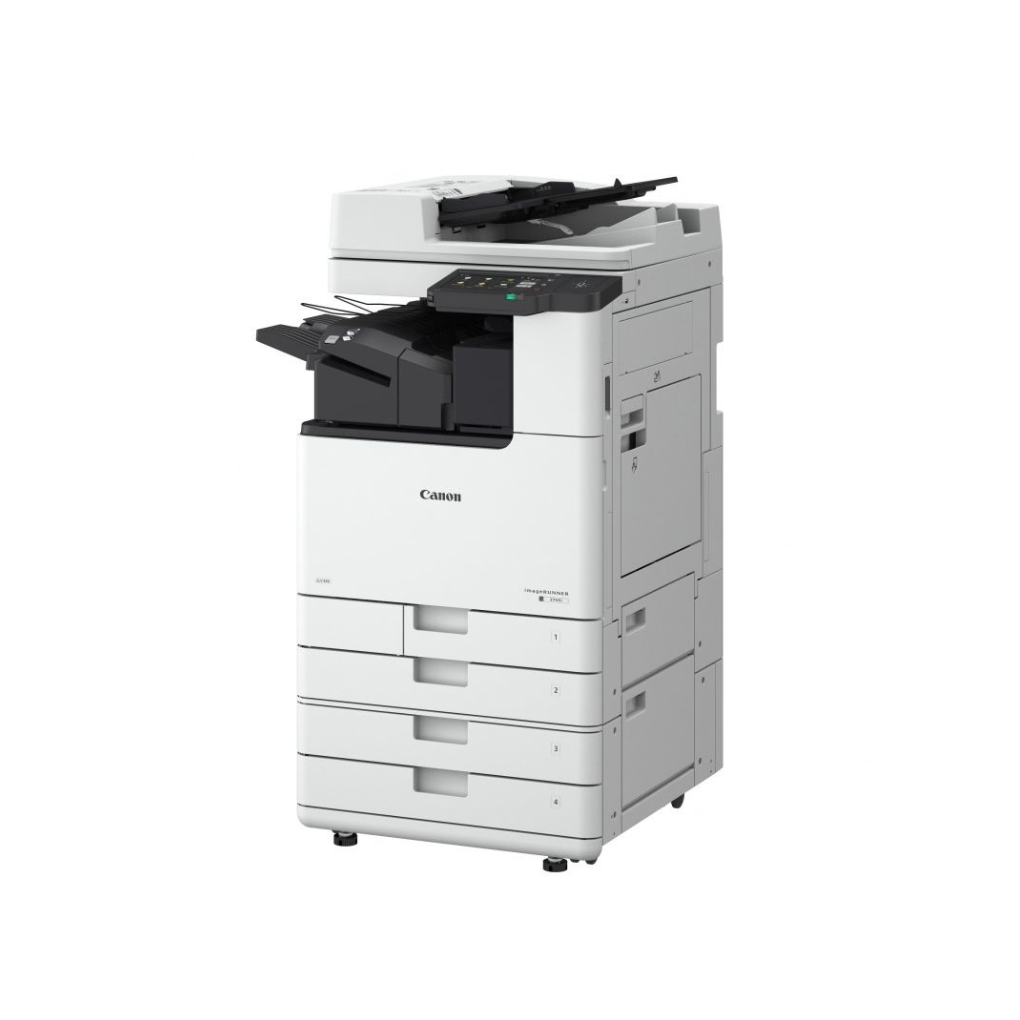
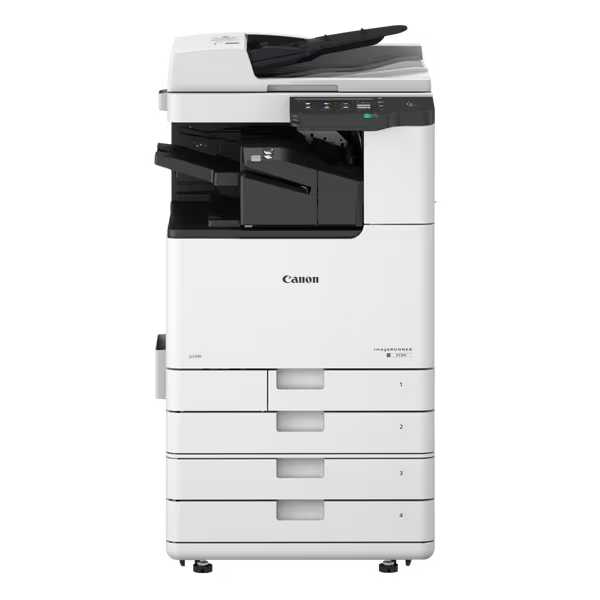
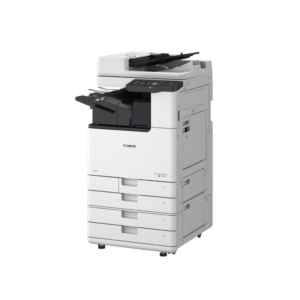
Canon imageRUNNER 2730i A3 Monochrome Laser Multifunctional Printer
Optimize your enterprise document workflows with the Canon imageRUNNER 2730i A3 Monochrome Laser Multifunctional Printer. Engineered for busy offices, medium-sized enterprises, and demanding workgroups, this high-performance Laser Multifunctional Printer device combines rapid printing, scanning, copying, and optional faxing. Featuring an intuitive color touchscreen, robust security protocols, and advanced cloud connectivity, it streamlines daily document handling while maintaining low operational costs and exceptional monochrome print quality.
High-Speed Enterprise Performance
The Canon imageRUNNER 2730i A3 Monochrome Laser Multifunctional Printer accelerates daily corporate productivity. Delivering rapid print and copy speeds up to 30 pages per minute for A4 documents, it reduces queue times in busy office environments. Powered by a 1.0 GHz dual-core processor and 2GB RAM, it handles large print files, complex graphic layouts, and multi-page scanning tasks effortlessly.
Intuitive User Interface & Controls
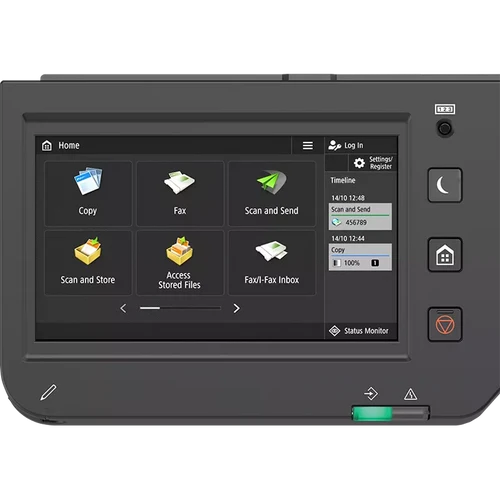
Navigating complex office print jobs is simple thanks to the integrated 7-inch color TFT touchscreen. Featuring smartphone-like touch navigation, the control panel lets users create personalized workflow shortcuts, check device status, and execute multi-page scan-to-email routines with a single tap. This user-friendly interface minimizes setup training and reduces user error across your organization.
Advanced Cloud & Mobile Workflows
Seamlessly bridge physical documents with digital cloud storage. Equipped with native support for Canon’s uniFLOW Online Express platform, the imageRUNNER 2730i enables centralized print management, cost tracking, and cloud routing. Mobile workers can easily trigger secure print jobs directly from smartphones and tablets using Apple AirPrint, Mopria Certified apps, or the Canon PRINT Business application.
Multi-Layer Security Safeguards
Protect sensitive business records and satisfy corporate compliance requirements with enterprise-grade data protection. Armed with Encrypted Secure Print, the printer holds documents until the authorized user authenticates at the device panel. Furthermore, System Verification at Startup protects system firmware from unauthorized modifications, while dTPM 2.0 encryption guards stored document data against network security threats.


Reviews
There are no reviews yet.